Mobile App

Take the farm data and history into the field.

Take farm data and history into the field, with offline access in the SoilBeat mobile app. Capture observations with voice or photos and keep reviewed scout reports, activities and follow-up connected.

Grower using SoilBeat in the field
SoilBeat mobile app
Built for field work

Can I photograph a product label to add a fertilizer?

Yes. Photograph the product label to help add fertilizer information to the farm’s product inventory for reuse in recommendations and field activities. Review the extracted product name, composition, units and other details against the original label before saving, and check application instructions separately when preparing or carrying out a plan.

Find the right context faster

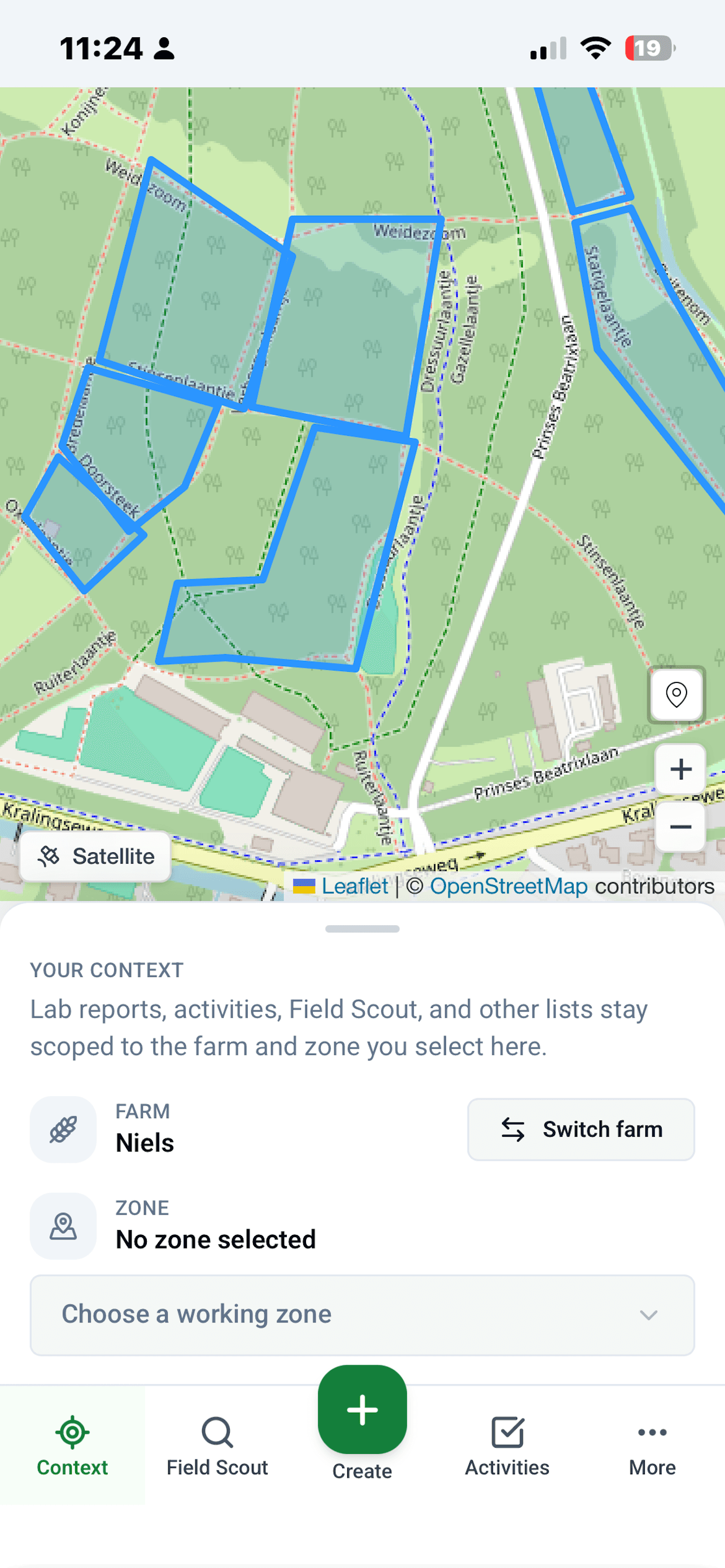
Use your location to pull up the relevant zone, reports, observations and activities.

Capture while you are there

Use voice, photos and field observations without waiting until you are back at a desk.

Turn observations into action

Create the activity in the same flow so field notes do not become admin later.

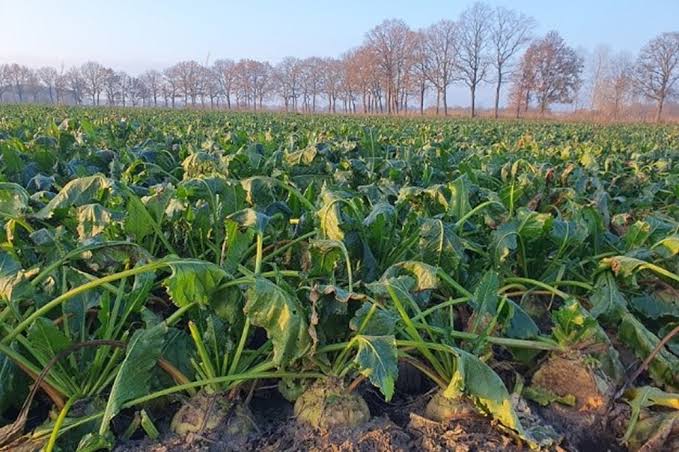
Grower checking a crop in the field
Greenhouse crop inspection
Orchard field observation
GPS zone lookup

How does GPS zone lookup work?

With location access enabled, SoilBeat uses your phone’s location to help open the management zone you are standing in and its connected farm information. Check that the selected zone is correct, especially near boundaries, then review its laboratory reports, field observations, activities and history without searching for the zone by name.

Current management zone
Lab reports
Field observations
Field activities and follow-up
Farm timeline
Location-based lookup
SoilBeat mobile GPS zone lookup
Capture observations

How do I log a scouting observation by voice?

Use voice input in the mobile app to describe the crop symptoms, pests, diseases or field conditions you see, then review and save the observation. Keep the correct farm and management zone attached, add photos where useful, and let the agronomist review the scout report before using it in advice.

Voice recording
Photo capture
AI-assisted photo interpretation
Ask what to do next
Save observation to timeline
FieldScout context
Observation → activity

How do I turn an observation into an activity?

Create a field activity from the mobile observation workflow when the finding needs a response, then add the management zone, instructions, products and timing. Review the proposed work before carrying it out and keep the completed activity in the farm history, so the observation and its follow-up stay connected.

Create activity
Link to management zone
Add field instructions
Set timing
Use farm products
Keep action in farm history
SoilBeat mobile observation to activity workflow
SoilBeat mobile scanning lab report and product label
Scan into SoilBeat

Can I scan a printed lab report?

Yes. Use your phone camera to capture a supported printed laboratory report and turn its measurements into structured information for the farm record. Check the image is readable and review the extracted values, units, sample details and laboratory method before saving or comparing results; report-format compatibility still applies.

Printed lab report → data
Product label → product inventory
Camera capture
Structured report values
Reusable product information
No retyping at the desk
Connected to the rest of SoilBeat

Where does the information I capture in the field go?

Take SoilBeat into the field

Ready to take SoilBeat into the field?

Use SoilBeat in the field to open the right context, capture observations and create the next action without recreating the work later.

Mobile app questions

What should I know before heading into the field?

Which phones are supported?

SoilBeat is available for iPhone and Android through the App Store and Google Play. The current iPhone listing requires iOS 15.0 or later; check the relevant store listing on your device for compatibility and installation requirements before fieldwork, and allow the camera, microphone or location permissions needed for the features you use. Check compatibility with the SoilBeat team.

Does it work without a connection?

Yes. SoilBeat works offline: you can access farm data, use the integrated AI to interpret data and pictures, and create field observations and activities. This lets you review the farm context and record what you see or do while working in a field without an internet connection. Explore connected field activities.

How accurate is the photo interpretation?

Photo interpretation is AI-assisted and can help investigate visible crop symptoms, but it can be wrong and is not a confirmed diagnosis. Image quality, lighting and missing field context affect what can be inferred, so review the observation with an agronomist and supporting measurements before choosing a treatment or application rate. See how SoilBeat AI uses farm context.

Do I need to review a scanned report or label?

Yes. Check extracted laboratory values, units, sample details and methods against the report, and check product names and composition against the original label. A readable image helps extraction, but the saved information still needs review before it is compared with targets, used in a recommendation or attached to field activities. Explore the connected farm record.

Why does zone lookup need my location?

GPS zone lookup uses your phone’s location to help find the management zone you are standing in and open its connected farm context. Enable the relevant location permission and check that the suggested zone is correct, especially near boundaries, before recording an observation or reviewing the zone’s reports and activities. Read about personal-data handling.

Grow with SoilBeat!

SoilBeat connects farm data to expert-reviewed prescriptions and advisor plans, with field activities and follow-up in the same record.

Download the SoilBeat app

The app is available in English, Dutch, German, Spanish and French.

Privacy settings
SoilBeat Logo

Copyright © 2026